
Telehealth Superbills: What Must Be Different From In-Person
POS codes, GT and 95 modifiers, audio-only billing, and documentation requirements that differ between telehealth and in-person superbills.
February 6, 2026 · 4 min read · By The Superbilled Team
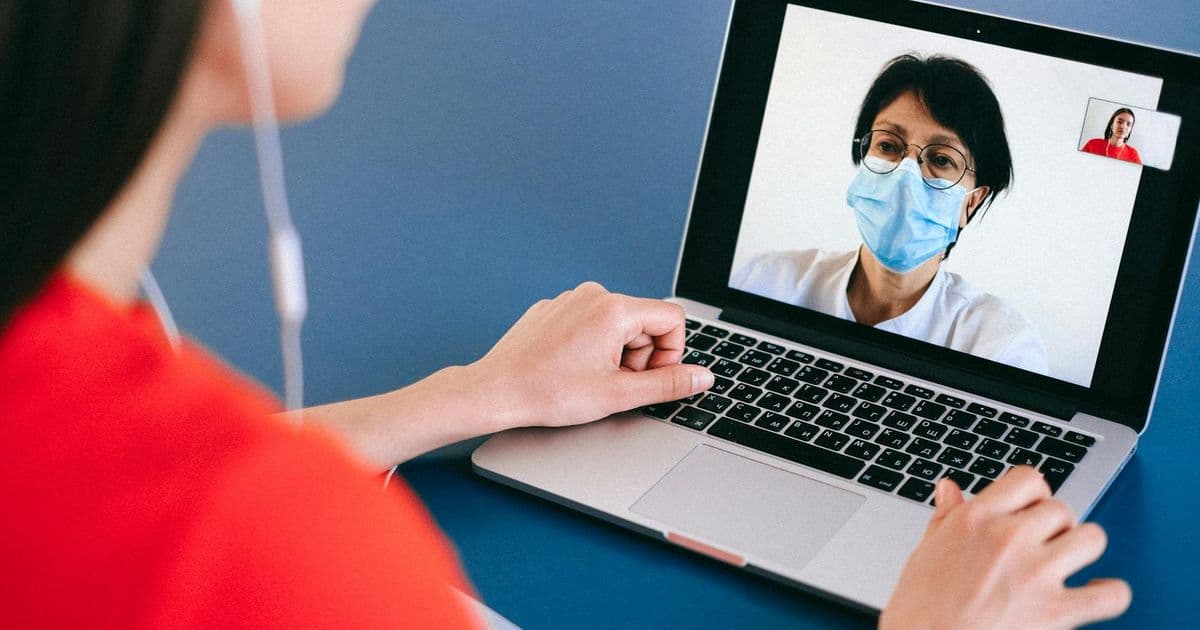
Telehealth superbills are not identical to in-person superbills. Two fields must change — Place of Service and modifiers — and getting them wrong can lead to claim rejections even when the rest of the superbill is correct.
The Key Differences: POS and Modifiers
Skip the manual paperwork. Generate a superbill in 60 seconds, free.
Start freeFor in-person sessions, Place of Service is 11 (Office). For telehealth, the POS code changes based on where the client is located during the session:
- POS 10 — Telehealth Provided in Patient's Home. Use this when the client is receiving the service from their home. This is the most common code for outpatient teletherapy.
- POS 02 — Telehealth Provided Other Than in Patient's Home. Use when the client is at another location (a school, workplace, or other non-home site) for the telehealth session.
- POS 11 — Office. Do NOT use this for telehealth. Using POS 11 for a telehealth session is incorrect and may constitute a billing error.
The provider's location does not determine the POS code — the client's location does.
Telehealth Modifiers
Some payers require a modifier to identify that the service was delivered via telehealth. The modifier is appended to the CPT code:
- GT modifier — "Via interactive audio and video telecommunications system." Traditionally used for Medicare and Medicaid telehealth claims. Some commercial payers also accept or require GT.
- 95 modifier — "Synchronous telemedicine service rendered via real-time interactive audio and video telecommunications system." Preferred by many commercial insurers over GT. When in doubt, use 95 for commercial plans.
- 93 modifier — Audio-only telehealth. Use when the session is conducted by telephone without video. Not all payers cover audio-only; verify before using this modifier.
Check each payer's telehealth billing guidelines. Some commercial plans have adopted POS 10 without requiring an additional modifier; others require both POS 10 and modifier 95.
CPT Codes Do Not Change for Telehealth
The psychotherapy CPT codes (90837, 90834, 90832) are the same for telehealth and in-person sessions. The modality does not create a different code — only the POS and modifier change. Telehealth parity laws in most states require insurers to reimburse telehealth services at the same rate as in-person services.
Audio-Only Therapy
Audio-only (telephone) therapy is increasingly covered but has specific requirements:
- Use POS 02 (not POS 10) for audio-only sessions on most payers
- Use modifier 93 to indicate audio-only delivery
- Some payers have separate CPT codes for telephone evaluation and management (98966–98968) rather than the standard psychotherapy codes — check payer-specific guidelines
- Document in the session note that video was not available or the client's consent to audio-only format
Provider Location and Billing Rules
For telehealth claims and superbills, the state governing the billing is the state where the provider practices — not where the client is located. Your NPI, license, and taxonomy code should reflect the state where you are licensed and practicing. If you provide telehealth to clients in multiple states, you must be licensed in each state where your clients are located (with some exceptions under interstate compacts).
Documentation Note for Telehealth Superbills
Add a brief notation in the service description field of the superbill:"Session conducted via HIPAA-compliant synchronous video telehealth platform."This proactively addresses any payer inquiry about the mode of delivery and supports the POS 10 code on the superbill.
Using Superbilled for Telehealth Sessions
Superbilled lets you set the POS code per session — switch between POS 11 (in-person) and POS 10 (telehealth) as needed. Modifiers can also be added per session. Your provider profile is saved so you never re-enter NPI, taxonomy, or license information.
Related Articles
Skip the manual paperwork. Generate a superbill in 60 seconds, free.
Start free